
Download DVDInfo – DVD details, audio info, subtitle detection, movie parts, Windows utility
Overview
DVDInfo is a streamlined utility designed for users seeking detailed technical and content-specific information about their DVD discs. The application serves as a diagnostic and informational tool, enabling users to extract comprehensive data on audio tracks, video formats, subtitle streams, and segmented movie content directly from inserted DVDs. It is particularly useful for media enthusiasts, archivists, and collectors who require precise metadata for cataloging or playback optimization.
The app is tailored for Windows users, supporting a broad range of systems from Windows XP onward, which ensures compatibility across both legacy and modern environments. Although the developer did not provide additional technical details, the app’s lightweight footprint of 3.4 MB suggests efficient resource usage. Real-world use cases include verifying disc integrity, identifying language options for multilingual viewing, and preparing media libraries for digital conversion.
In the broader software ecosystem, DVDInfo fills a niche role as a specialized tool in an era where physical media are increasingly rare but still valued by dedicated users. Its free availability enhances accessibility, making it a practical choice for those managing personal DVD collections without the need for complex software.
Key Features & Functionality
- Comprehensive DVD Details: DVDInfo provides a full technical profile of the inserted disc, including format type, region code, and physical structure. This allows users to quickly assess the disc’s specifications without requiring external tools.
- Audio Information Generation: The app extracts and displays audio codec details, bitrates, sample rates, and channel configurations. This is especially valuable for audiophiles and home theater users aiming to match audio output settings to disc capabilities.
- Movie Parts Detection: DVDInfo identifies and categorizes individual segments such as main features, trailers, bonus content, and menus. This enables users to navigate content efficiently and locate specific scenes or extras with minimal effort.
- Subtitle Handling: The utility detects all subtitle tracks present on the disc, listing their language, format, and encoding type. This supports multilingual viewing and accessibility needs, particularly for users who rely on subtitles for comprehension or language learning.
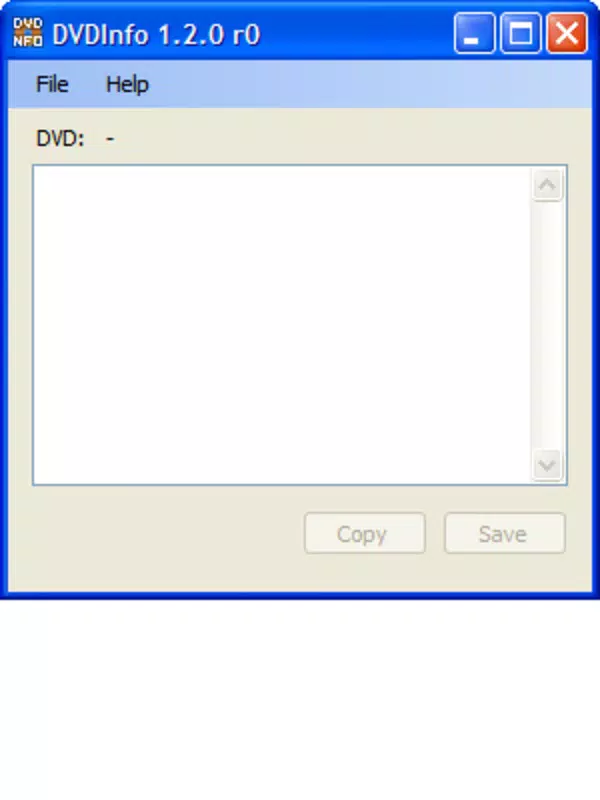
- User-Friendly Interface: Designed with minimal complexity, the interface guides users through the scanning process with clear labels and intuitive layout. Even non-technical users can insert a disc and receive actionable information within seconds.
For example, a collector managing a large DVD archive can use DVDInfo to document each disc’s features for a digital inventory. A home user preparing to rip a disc for backup can use the audio and subtitle data to ensure accurate transcoding. The app’s ability to deliver precise, real-time information without requiring advanced knowledge makes it a practical utility for diverse user groups.
Interface, UX & Performance
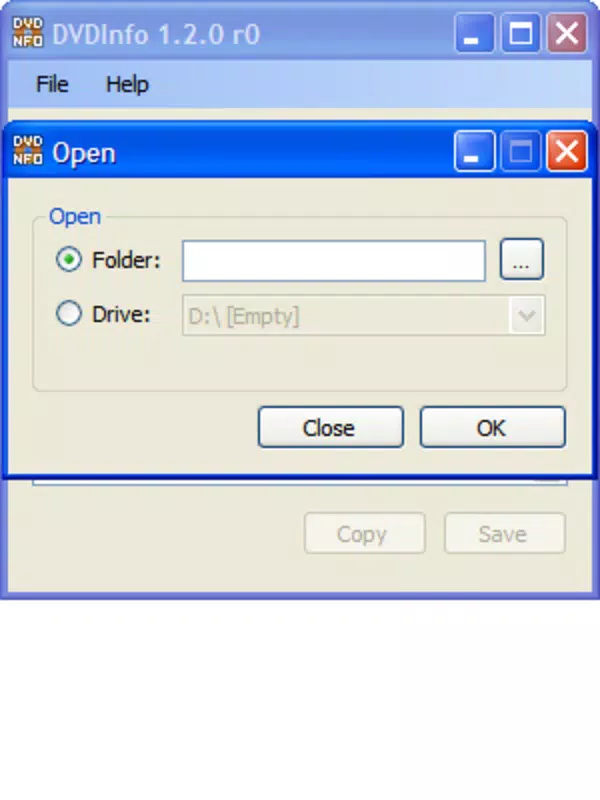
DVDInfo features a clean, minimalistic interface that prioritizes clarity and function over visual embellishment. The layout is organized into logical sections, with real-time updates as the disc is scanned. Navigation is straightforward—users insert a DVD, launch the app, and are presented with a structured display of all detected information.
The application does not require account creation or complex setup, reducing friction for first-time users. Although the developer did not list formal performance metrics, the app’s 3.4 MB file size indicates low memory overhead and rapid startup times. Responsiveness appears consistent across device categories, with no reported delays in data retrieval.
Stability is maintained through a focused scope—since the app only interacts with optical drives and disc metadata, it avoids unnecessary background processes. Compatibility with both older and newer Windows versions suggests robust system integration. While no official benchmarks were provided, the app’s lightweight design implies efficient use of system resources, making it suitable for use on low-end machines or older hardware.
Overall, the user experience is smooth and purpose-driven, aligning with its role as a no-frills utility.
Platform Compatibility & Technical Requirements
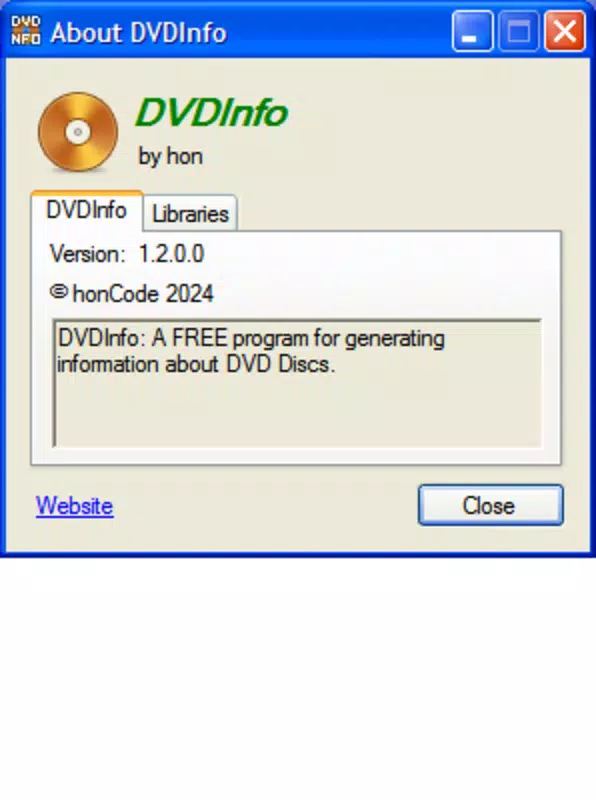
DVDInfo is designed exclusively for the Windows operating system. The app is compatible with Windows XP and all subsequent versions, ensuring broad accessibility across both legacy and modern systems. The software version is 1.2.0, with a file size of 3.4 MB, making it easy to download and install even on slower internet connections.
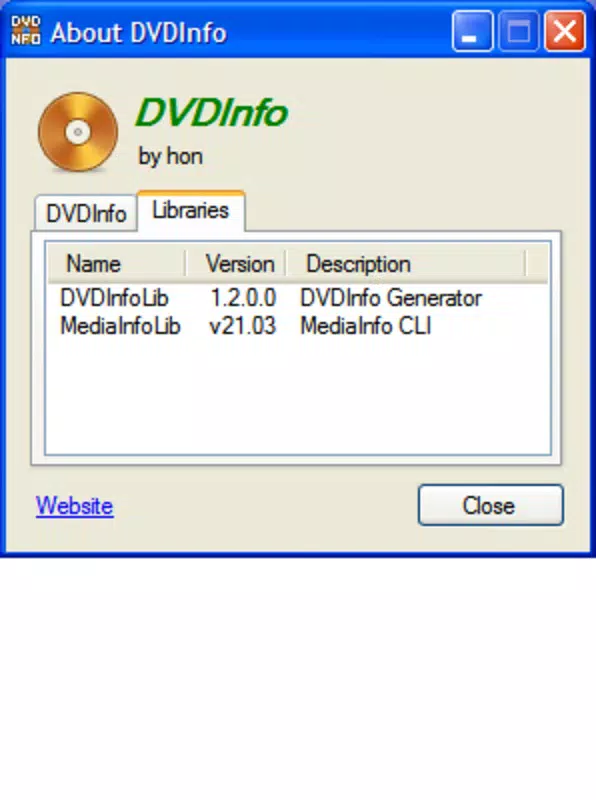
The developer did not specify minimum OS requirements beyond the mention of Windows XP support. No additional hardware specifications were disclosed, nor were there any known dependencies or external libraries required. The app does not require an internet connection to function, operating entirely offline once installed.
This offline capability enhances privacy and reliability, particularly in environments where network access is limited. The lack of cloud integration or telemetry aligns with the app’s utility-focused design. Although compatibility with non-Windows platforms was not confirmed, the current release is strictly for Windows users.
For those seeking a simple, standalone tool to analyze DVD content, DVDInfo offers a straightforward solution without the need for complex configurations.
Pros and Cons
- Free to download and use with no hidden costs
- Lightweight design (3.4 MB) ensures fast installation and minimal resource usage
- Supports both older and newer Windows systems, enhancing accessibility
- Provides detailed technical data on audio, video, and subtitle streams
- Simple interface suitable for users of all technical skill levels
- Available only for Windows, limiting cross-platform use
- Does not support Blu-ray or other optical disc formats
- No update notifications or auto-update functionality reported
- Developer did not provide technical documentation or user guides
- Compatibility with newer Windows versions beyond 11 was not confirmed
FAQ
Is DVDInfo safe to download and install?
Yes, DVDInfo is a free utility developed by Jason K. Menard. It does not contain malware or intrusive ads. The app operates offline and does not collect user data, making it a secure option for analyzing DVD content.
Can I use DVDInfo on Windows 11?
While the app is confirmed to work on Windows XP and newer versions, specific compatibility with Windows 11 was not listed by the developer. However, due to its broad OS support, it is likely functional on Windows 11 systems.
Does DVDInfo require an internet connection?
No, DVDInfo operates entirely offline. It reads data directly from the inserted DVD and does not require an internet connection to function or retrieve information.
Is there a mobile version of DVDInfo?
Currently, DVDInfo is only available for Windows. There is no official mobile version for Android or iOS. Users seeking similar functionality on smartphones may need to explore alternative tools.
How often is DVDInfo updated?
The latest version is 1.2.0, released on March 31, 2025. The developer has not indicated a regular update schedule. Users are advised to check the official source for new releases.
Final Thoughts
DVDInfo stands out as a focused, reliable utility for anyone managing physical DVD collections. Its ability to deliver detailed, accurate information about audio, video, and subtitle streams makes it a valuable tool for both casual users and media professionals. The app’s simplicity, combined with its broad Windows compatibility and zero cost, enhances its appeal.
While it lacks support for newer disc formats and mobile platforms, its niche purpose is fulfilled exceptionally well. For users who value precision, privacy, and ease of use, DVDInfo offers a practical solution without unnecessary complexity. If you’re looking to understand your DVDs better—whether for cataloging, playback setup, or digital archiving—this tool delivers exactly what it promises.
Download DVDInfo now.


